Tutorials
Step-by-step build guides from the community, one card per step. Follow along in build mode at the bench.
7 tutorials
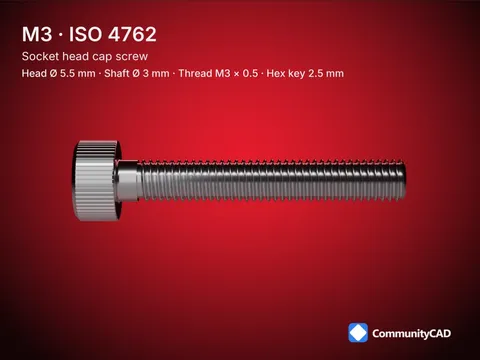
Install the CommunityCAD MCP server, link your account, and have Claude find, read and download a real part, an M3 socket head cap screw.

Ask for a place in the Hopper beta, install it on your Klipper printer with one command, and link the printer to your CommunityCAD account.

Turn a build into a step-by-step guide: steps, photos, tips, a parts list and linked models, then publish it for everyone.

Link a GitHub repo once and every push keeps your models on CommunityCAD up to date: folders become models, changed files become new versions.

Improve a model without losing its link, likes or history: upload a new version with a changelog, and see what changes for everyone.
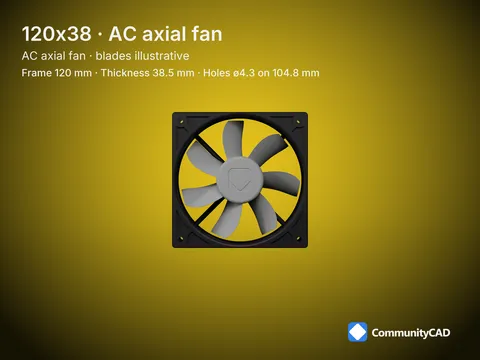
Upload a CAD file with a good title, images, a datasheet and a license, using the 120x38 AC cooling fan from our library as the example.
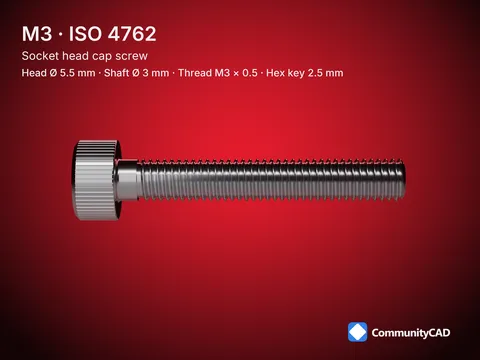
Sign in, set up your profile, then find and download your first part from the CommunityCAD library.