Fusion360Patternsandtextures

Fusion360Patternsandtextures
Add noise, patterns and textures to your Fusion360 objects.
Overview
Fusion360 Noise, Patterns and Textures
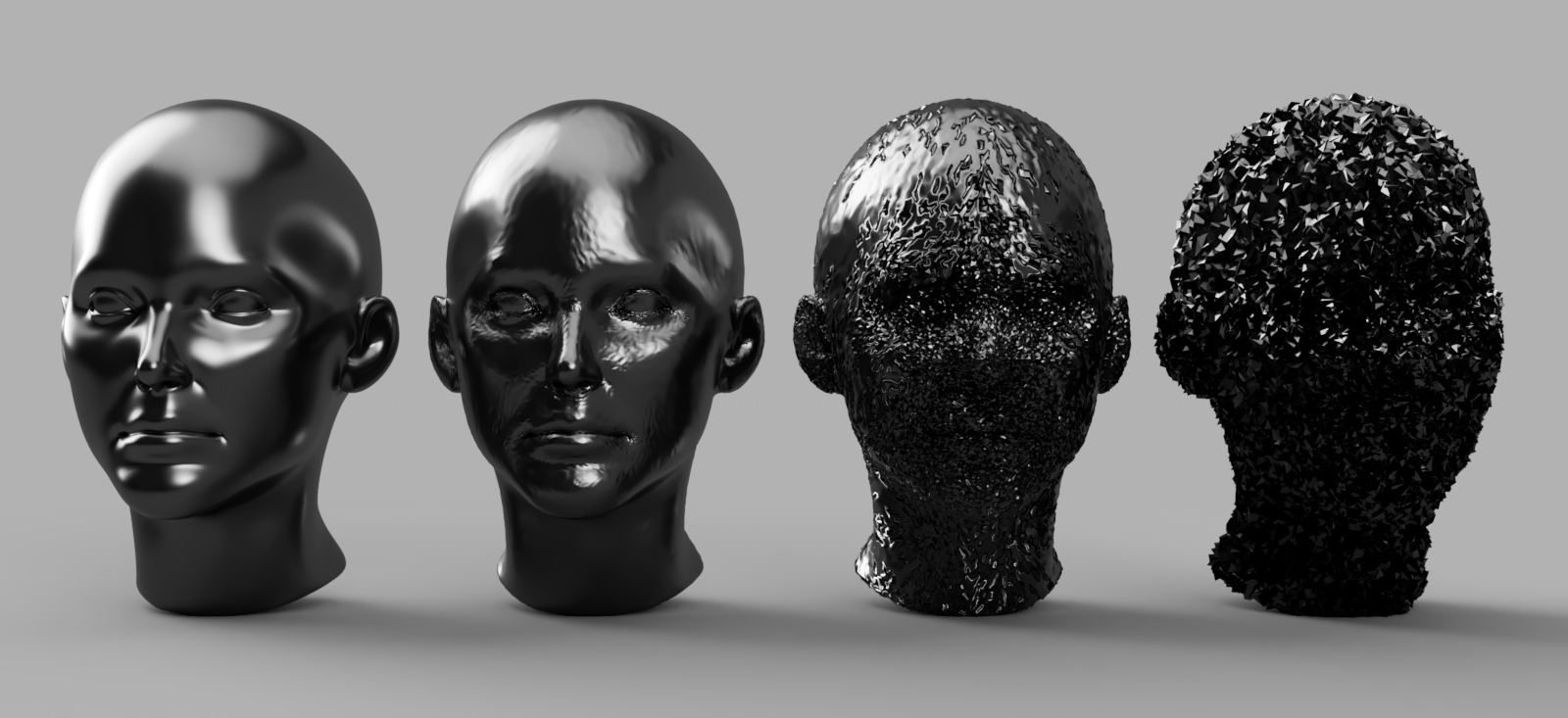
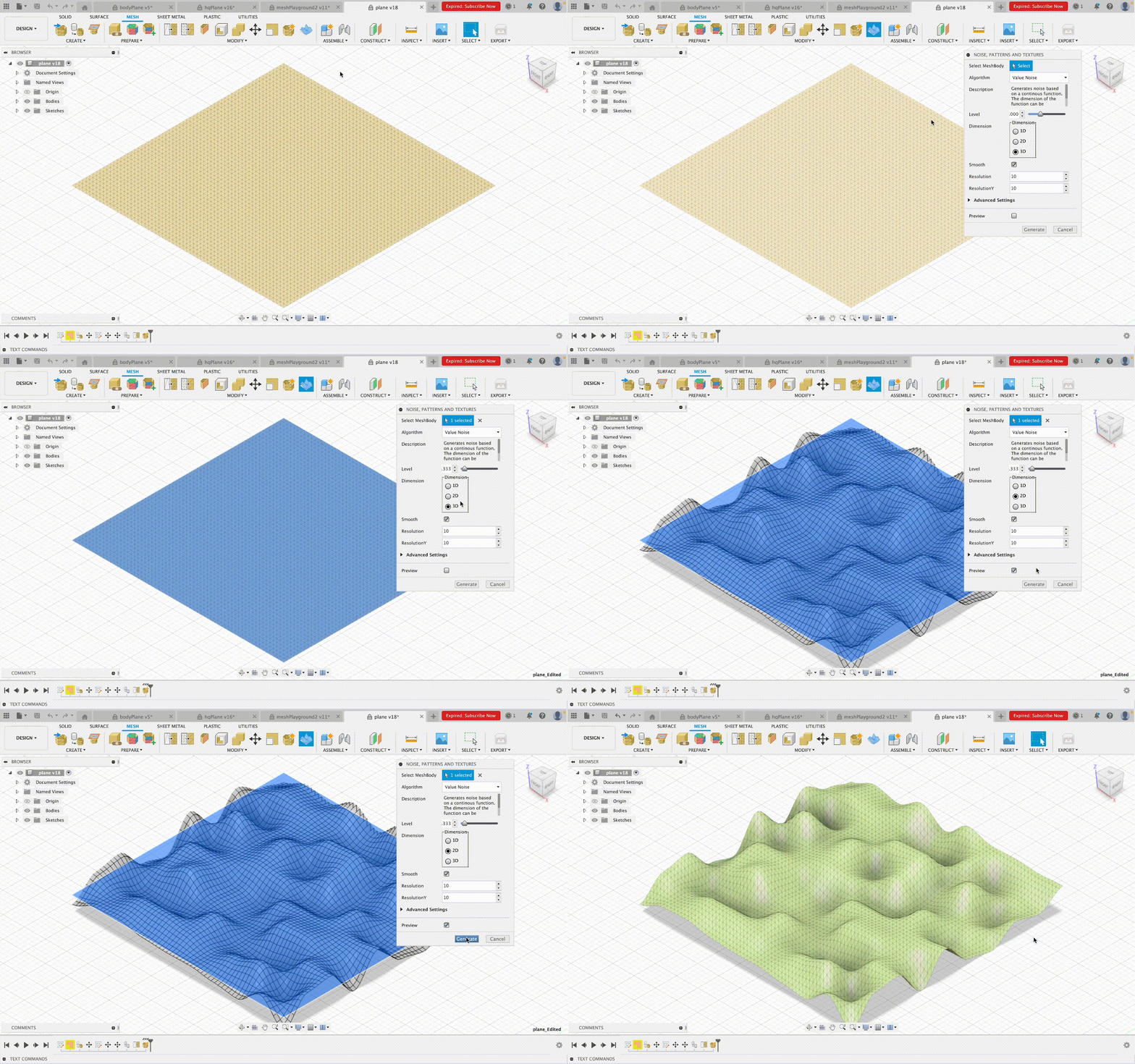
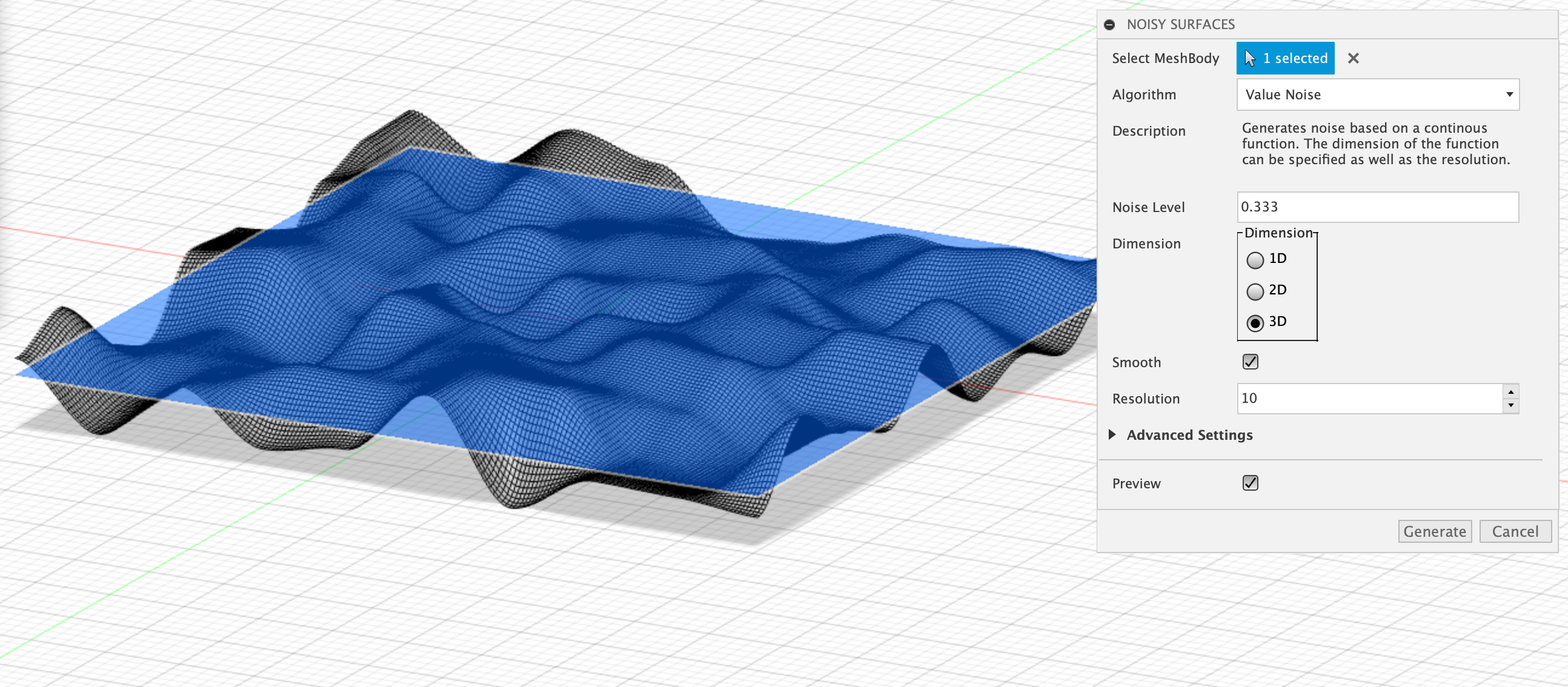
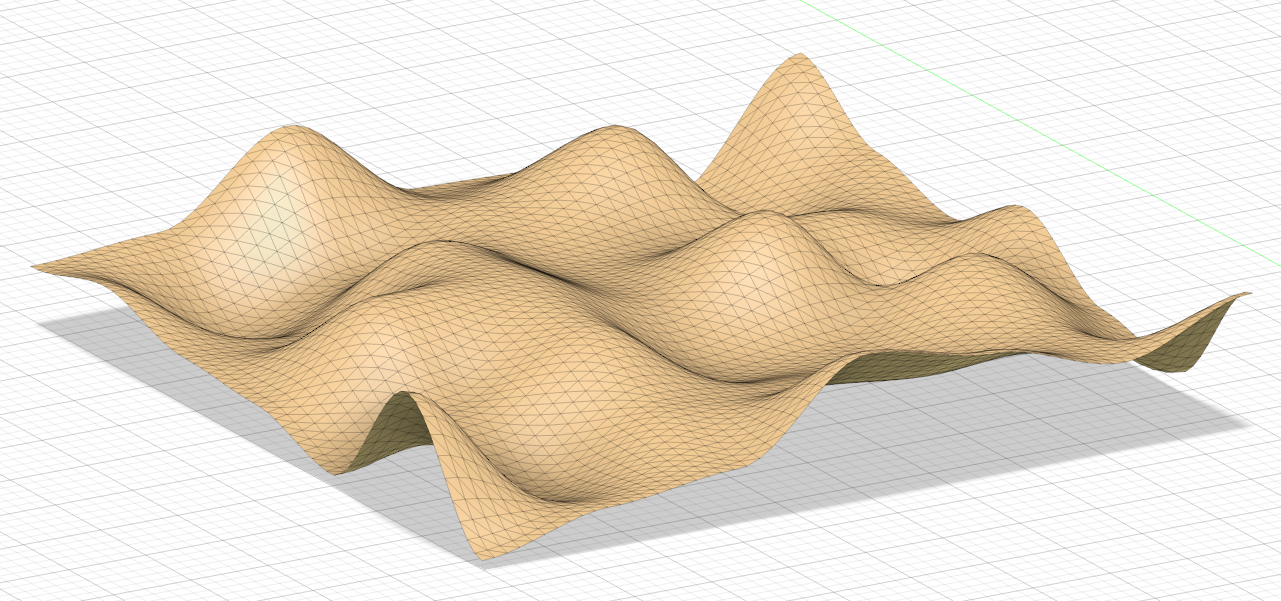
A Fusion360 Add-In that allows users to add randomly generated noise and patterns to their bodies and surfaces for a more natural, rough look and feel. There are numerous options for customizing surface noises and distorting any object in Fusion. Applicable to any MeshBody. Textures can be added to surfaces from images and grunge maps.
Installation
Download the zip folder of this project by clicking the green "<> Code" button at the top of this page and selecting "Download ZIP".
Follow the instructions for manually installing an Add-In: https://www.autodesk.com/support/technical/article/caas/sfdcarticles/sfdcarticles/How-to-install-an-ADD-IN-and-Script-in-Fusion-360.html
IMPORTANT:
A detail in the instruction -- which can be easily overlooked -- is that the folder has to have the exact same name as the main script of the Plugin. Rename the directory from "Fusion360PatternsAndTextures" (or whatever it is called on your machine) to "Noise, Patterns and Textures".
Afterward, the Scripts and Add-Ins submenu now displays the Add-In, which can be executed. The Add-In button to can be found in the mesh tab under the "MODIFY" tool category.
Examples
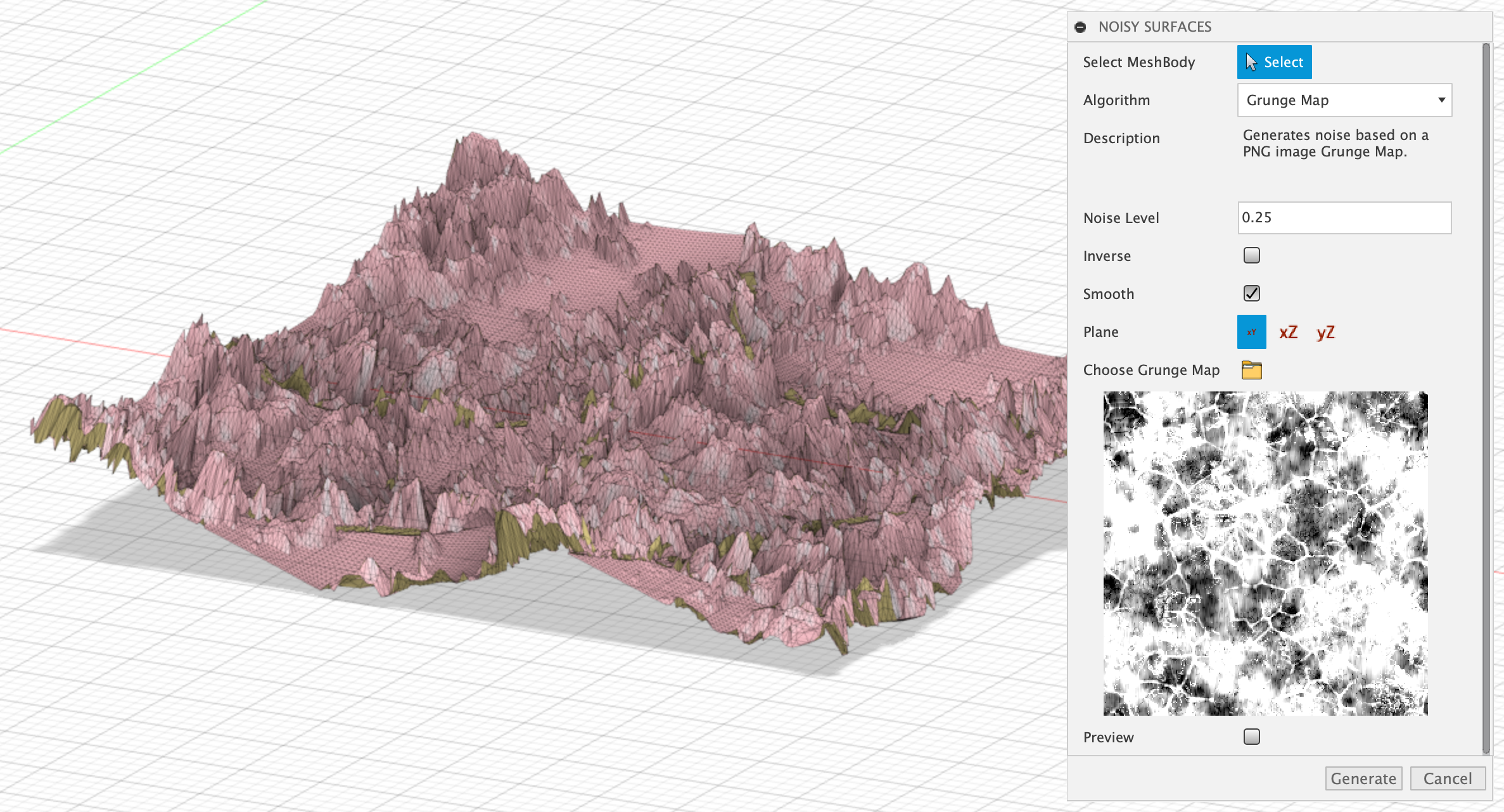
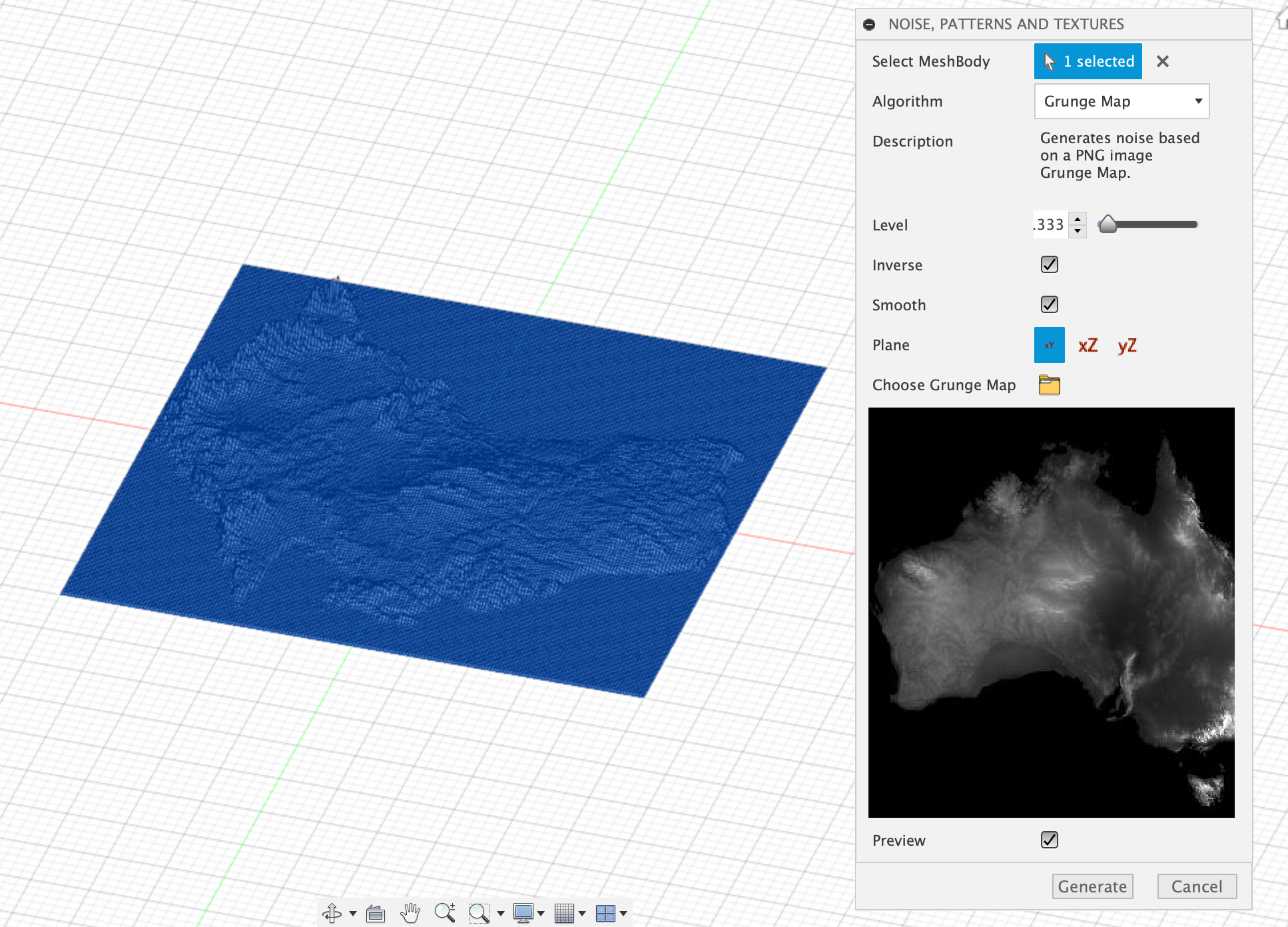
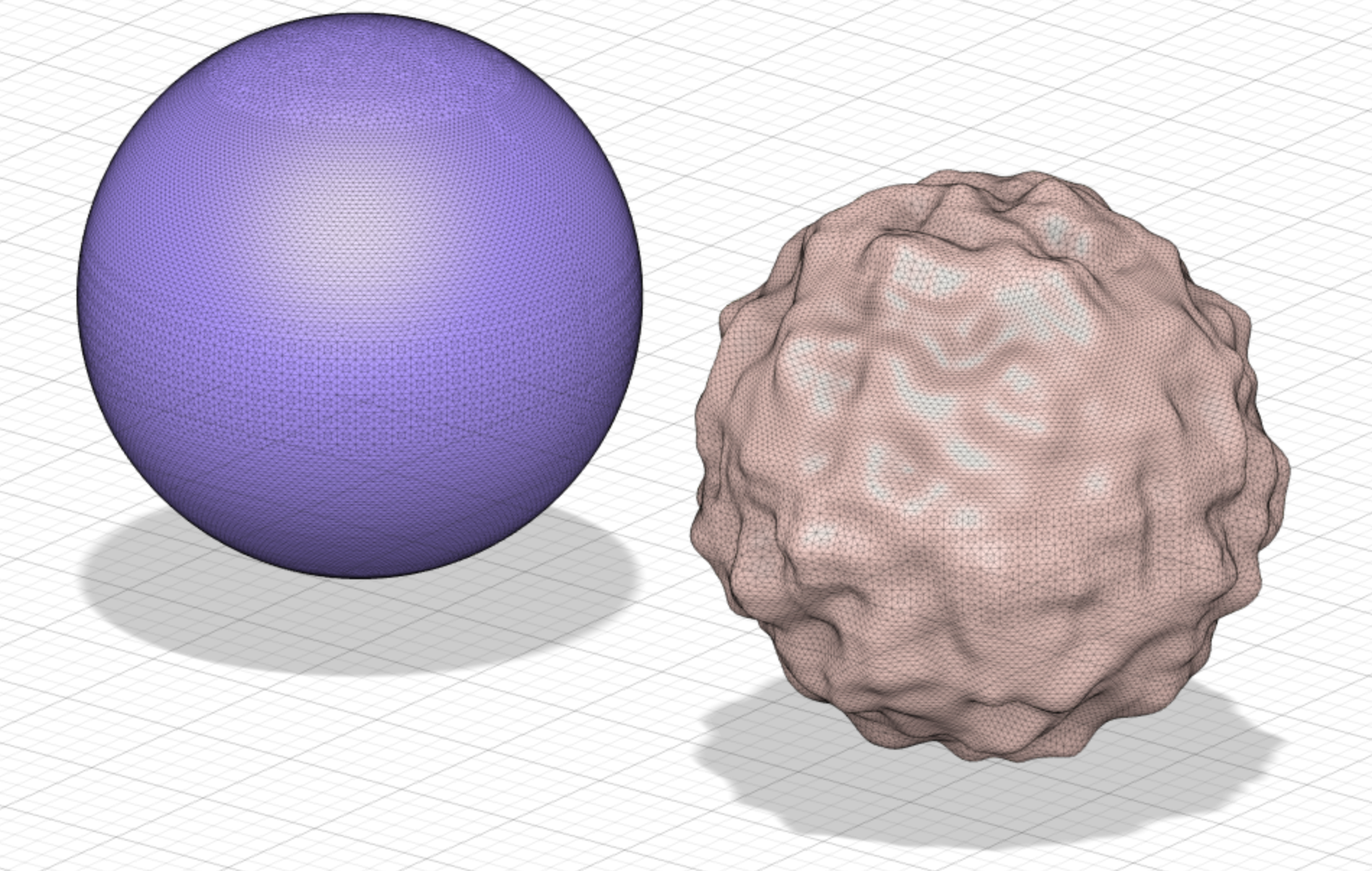

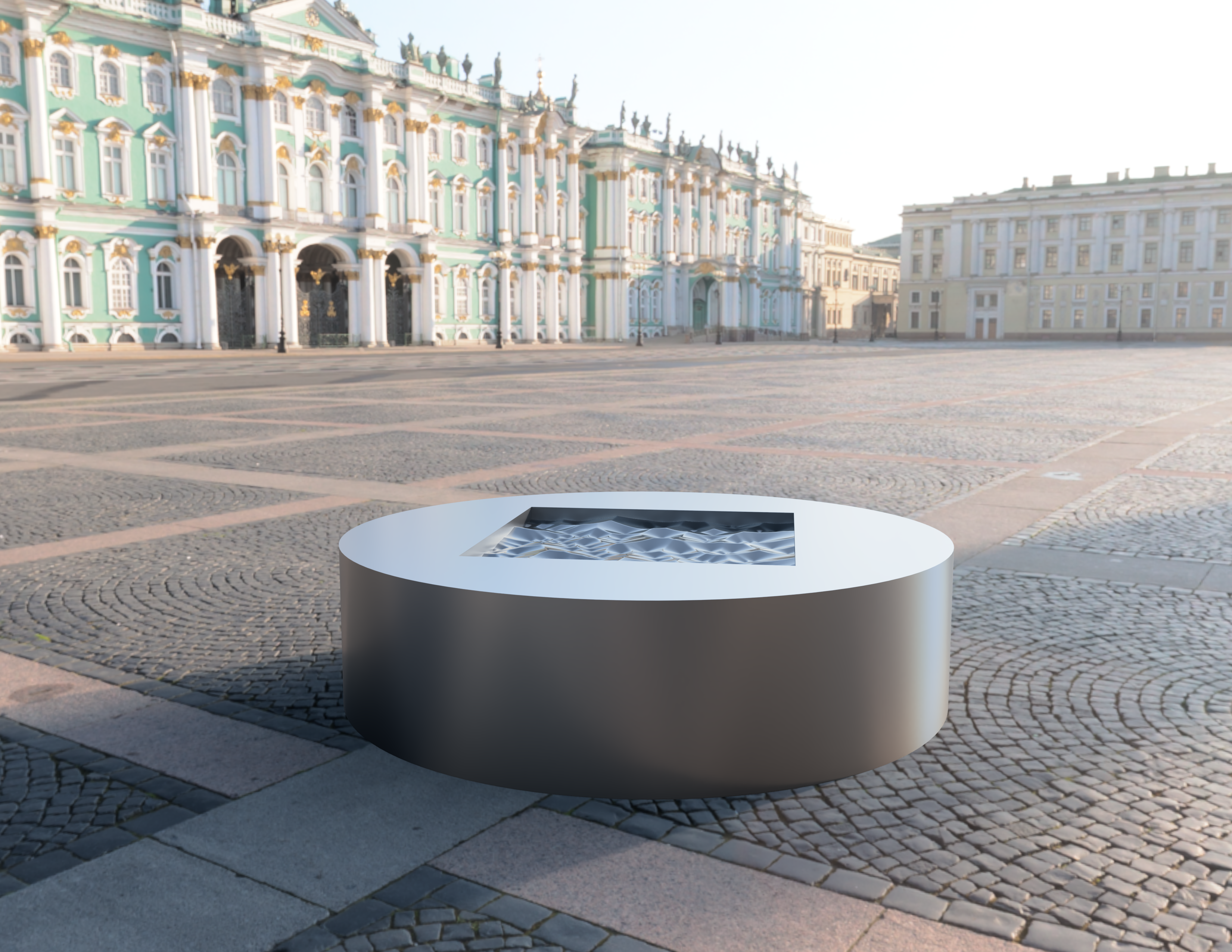
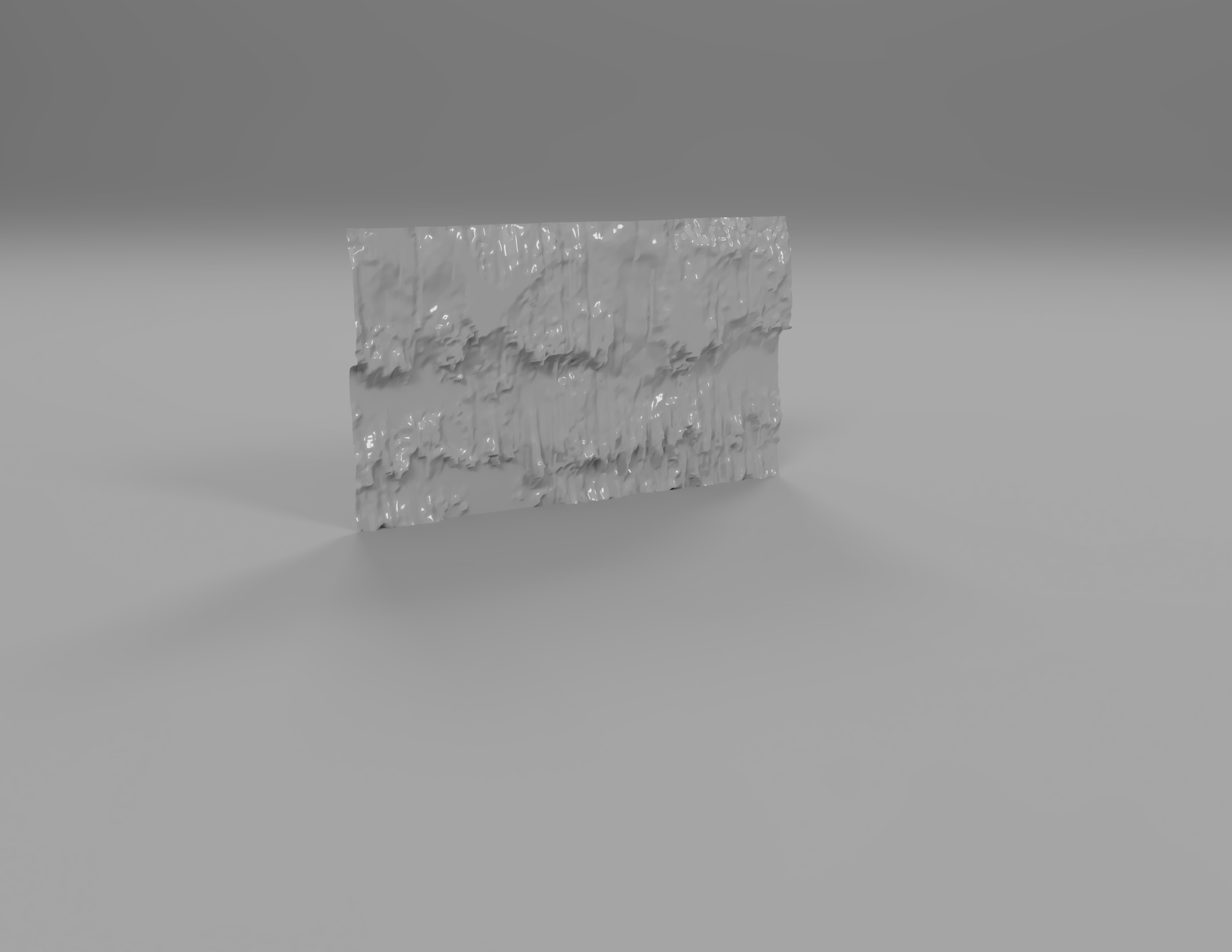
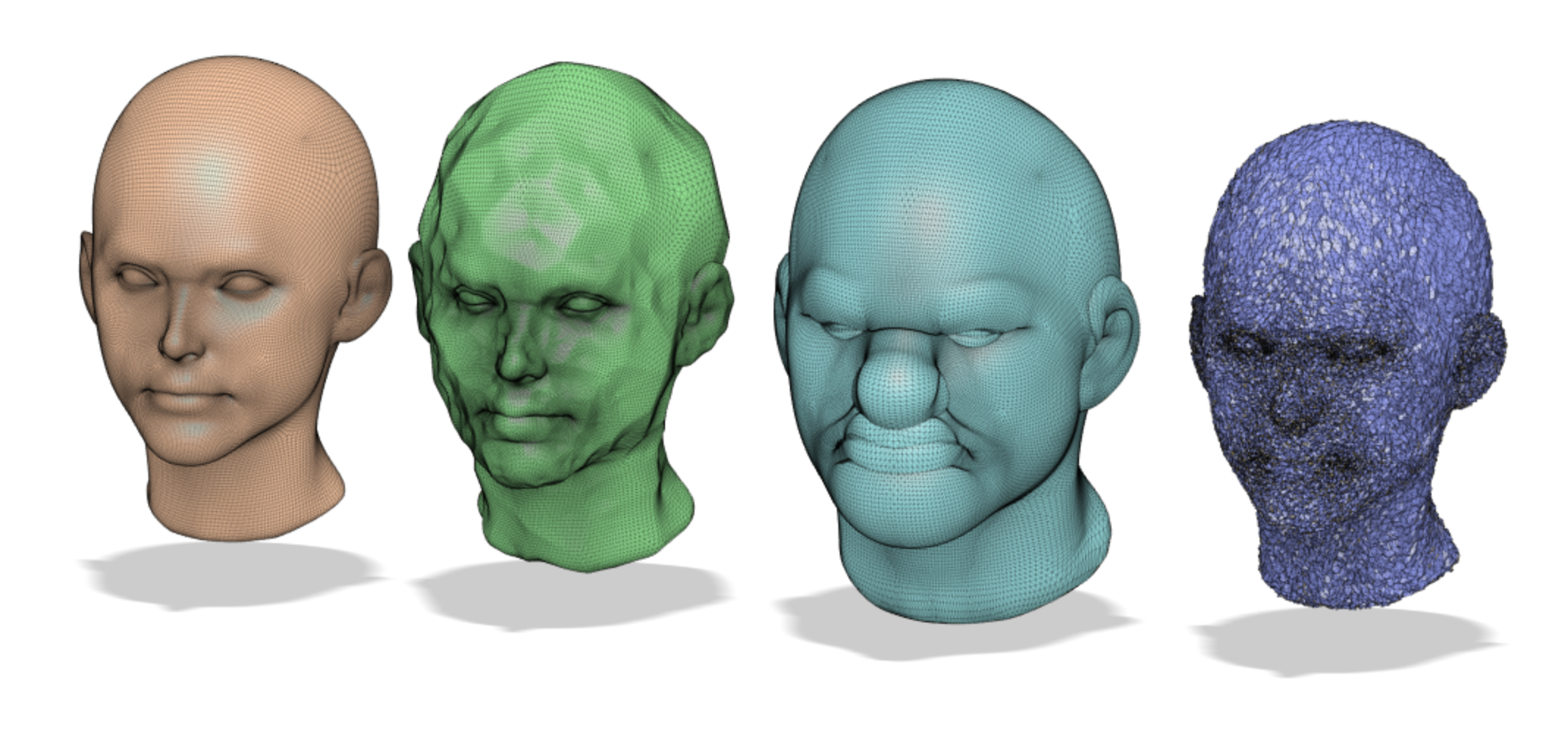
Files in this package
- CAD source: Body1.obj
- Images: 16x16-disabled.png, 16x16-disabled.png, 16x16-normal.png, 16x16-normal.png, 32x32-disabled.png, 32x32-disabled.png, 32x32-disabled.png, 32x32-disabled.png, 32x32-normal.png, 32x32-normal.png, 32x32-normal.png, 32x32-normal.png
Source & license
- Original author: lmueller27
- Source repository: https://github.com/lmueller27/Fusion360PatternsAndTextures
- License: GPL-3.0
Imported into the CommunityCAD Archive with attribution preserved. All rights remain with the original author under the stated license.