Esp32 Cam Enclosure
zip0 downloads

1 / 4
Esp32 Cam Enclosure
Compact enclosure for the ubiquitous ESP32-CAM with the USB-Serial board and an external antenna.
Overview
ESP32-CAM-Enclosure
Compact enclosure for the ubiquitous ESP32-CAM with the USB-Serial board and an external antenna. The program- and reset-button are still accessible through the cooling slits.
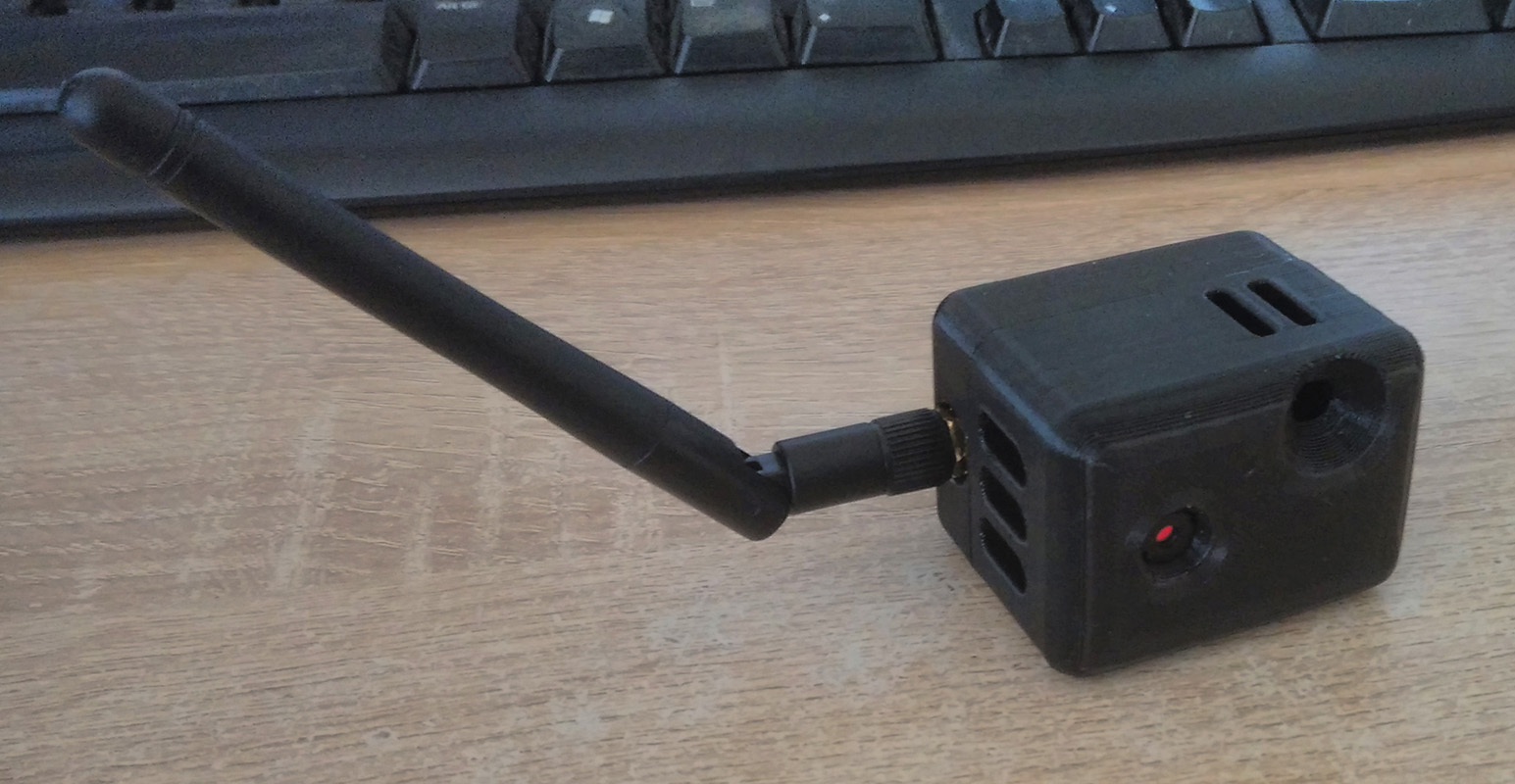
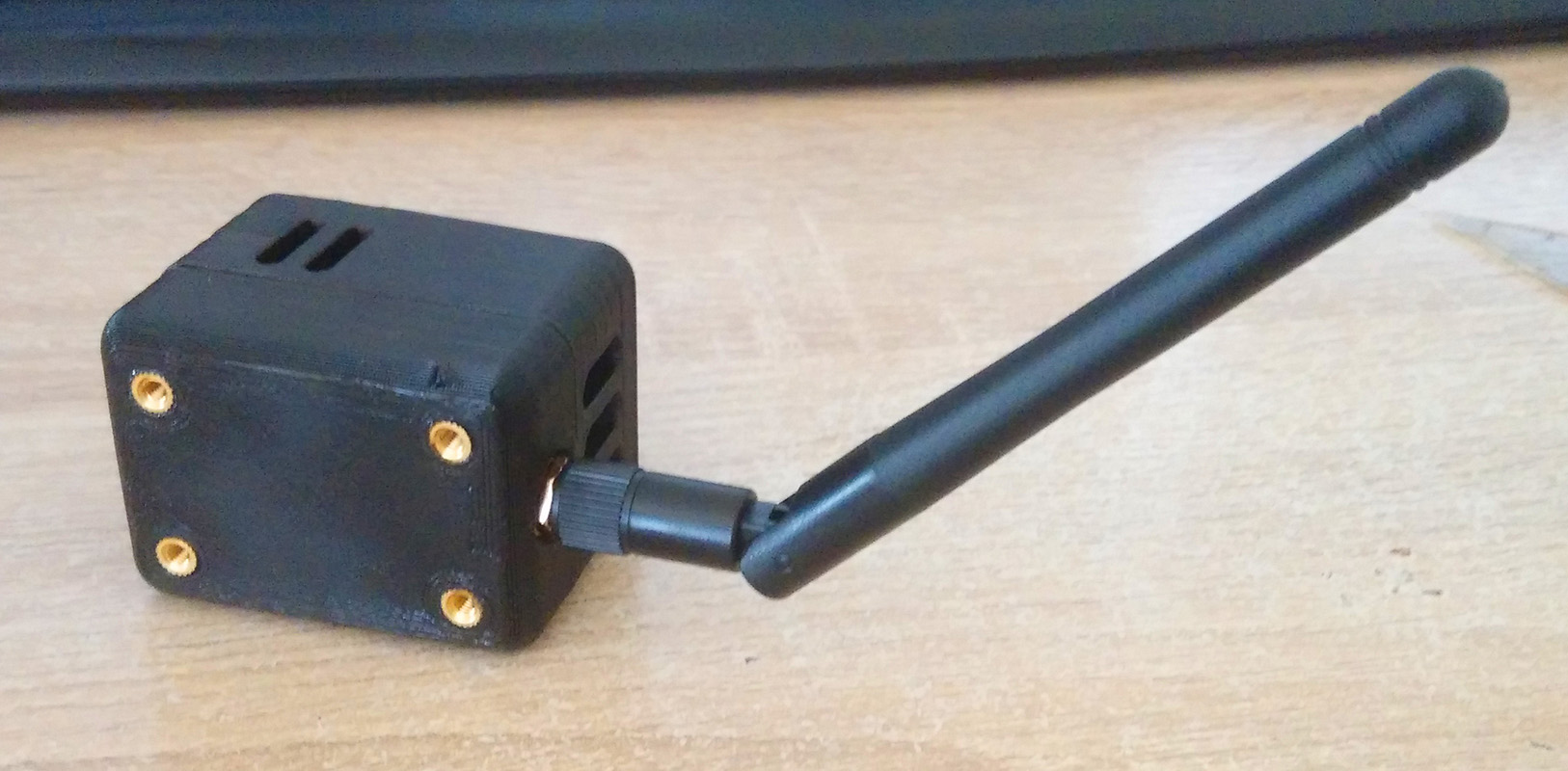
Mounting Points
The holes in the bottom piece are laid out in a 34x21mm rectangle. They are sized for M3-5x5mm threaded inserts.
Printing Guide
Use the combined *.stl file for easy printing. Print time is 3 hours with average printing speeds and 100% infill. Support should not be necessary if your cooling is sufficient.
Additional Materials
- Glue (Cyanacrylate aka Super Glue is recommended)
- Optional: Threaded inserts M3-5x5mm
Assembly
- Insert the ESP32-CAM into the front piece, guiding the antenna cable through the small gap on the side of the enclosure.
- Screw the SMA-Connector to the bottom piece and wind the excess antenna cable into a loop.
- Test fit the two halves, then glue together with super glue once everything fits. The two halves are self aligning.
- Melt the threaded inserts into their holes in the back if you need mounting points. The holes are sized for the cheap M3-5x5mm threaded inserts.
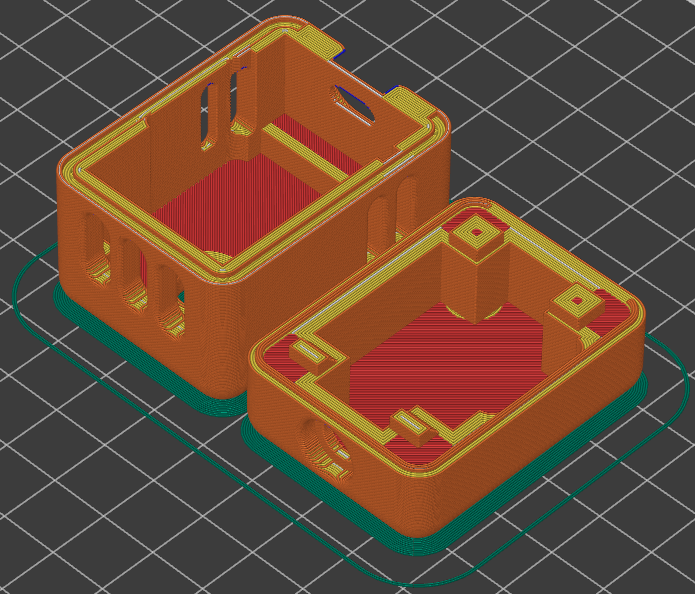
CAD Screenshots
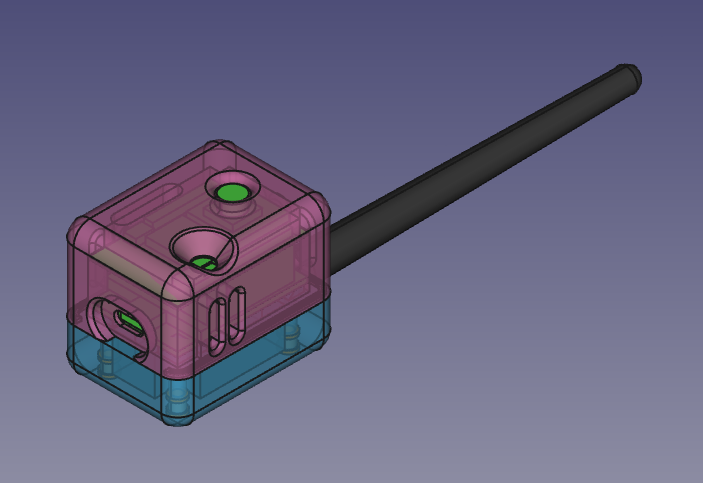
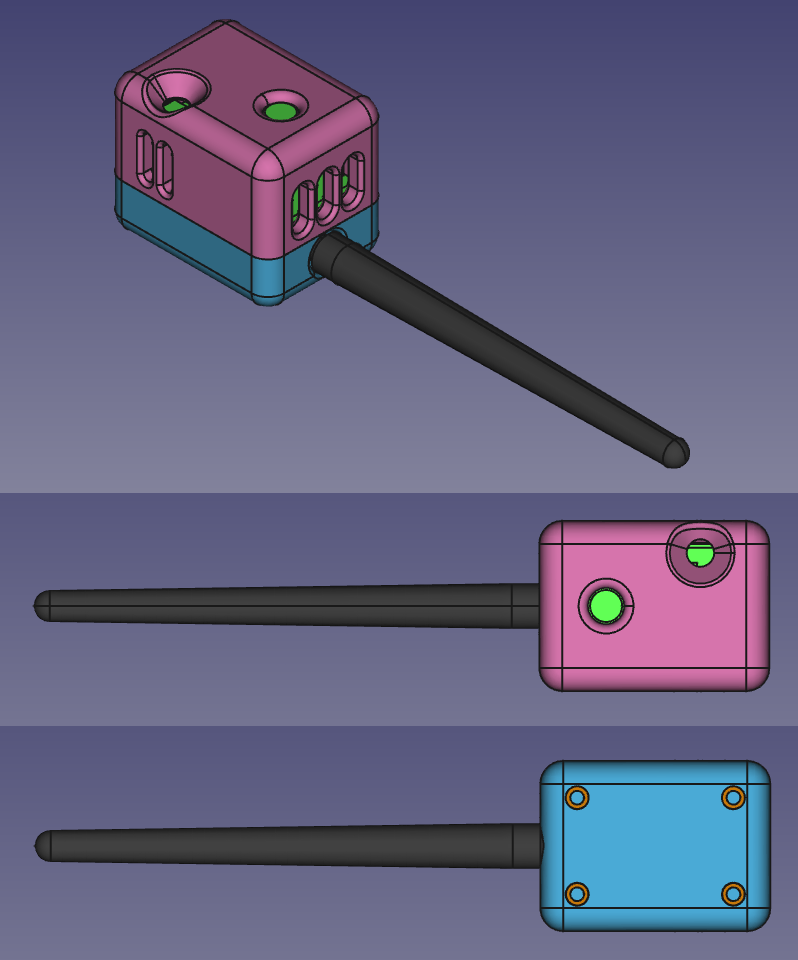
Files in this package
- CAD source: esp32-cam-shell.FCStd
- Exports: esp32-cam-shell-back.stl, esp32-cam-shell-combined.stl, esp32-cam-shell-front.stl
- Images: cam-back.jpg, cam-front.jpg, cam-printbed-layout.png, cam-transparent-cad.png, cam_multiview_cad.png
Source & license
- Original author: VaTTeRGeR
- Source repository: https://github.com/VaTTeRGeR/ESP32-CAM-Enclosure
- License: MIT
Imported into the CommunityCAD Archive with attribution preserved. All rights remain with the original author under the stated license.