Cherry Mx Breakout Board
Cherry MX Breakout Boards with reverse-mounted addressable RGB LED and hot-swap.
Overview
Cherry MX Breakout Boards

<table>
<tbody>
<tr>
<td><img src="https://raw.githubusercontent.com/sszczep/Cherry-MX-Breakout-Board/media/Switch.gif"></td>
<td>
Two breakout boards designed in KiCad.
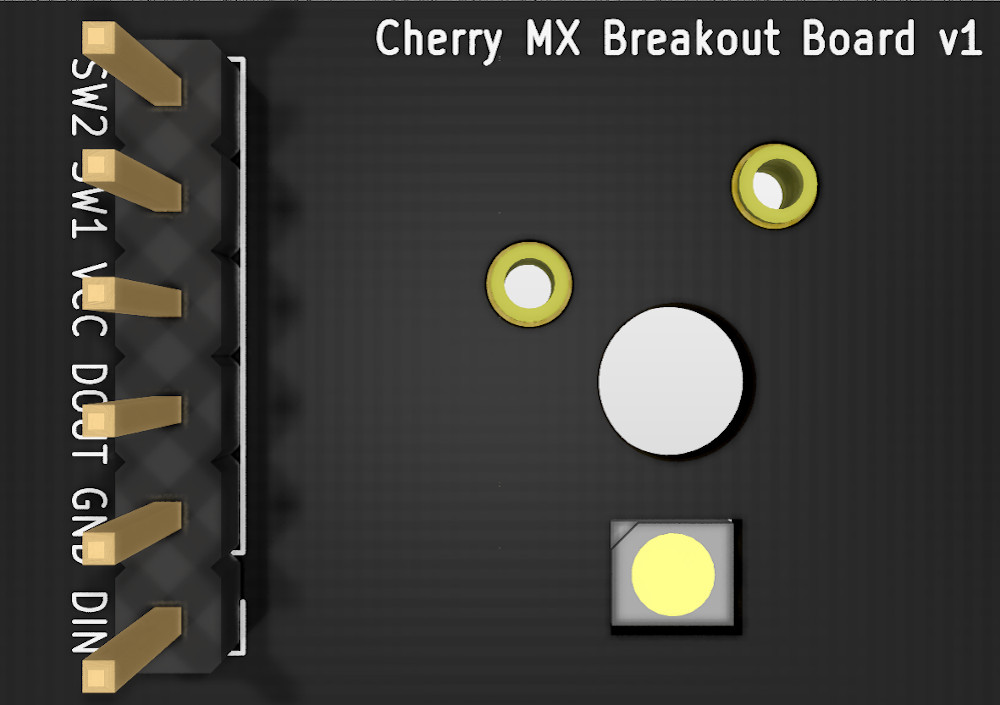
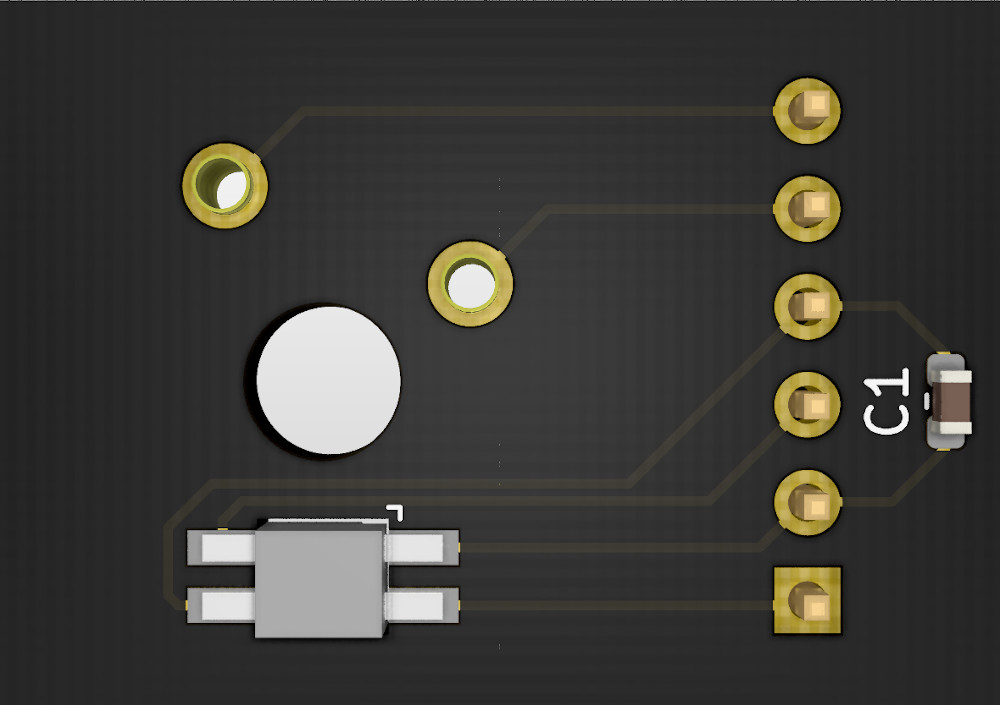
Both feature reverse-mounted addressable RGB LED LTST-A683CEGBW.
Both are hot-swap capable (Kailh Socket / Mill-Max 7305).
Total board dimensions: 26 x 19 mm.
</td>
</tr>
</tbody>
</table>
Mill-Max 7305 holes are compatible with standalone switches so they can be soldered directly to the board.
| Schematic | PCB (Kailh Socket) | PCB (Mill-Max 7305) |
|---|
 | 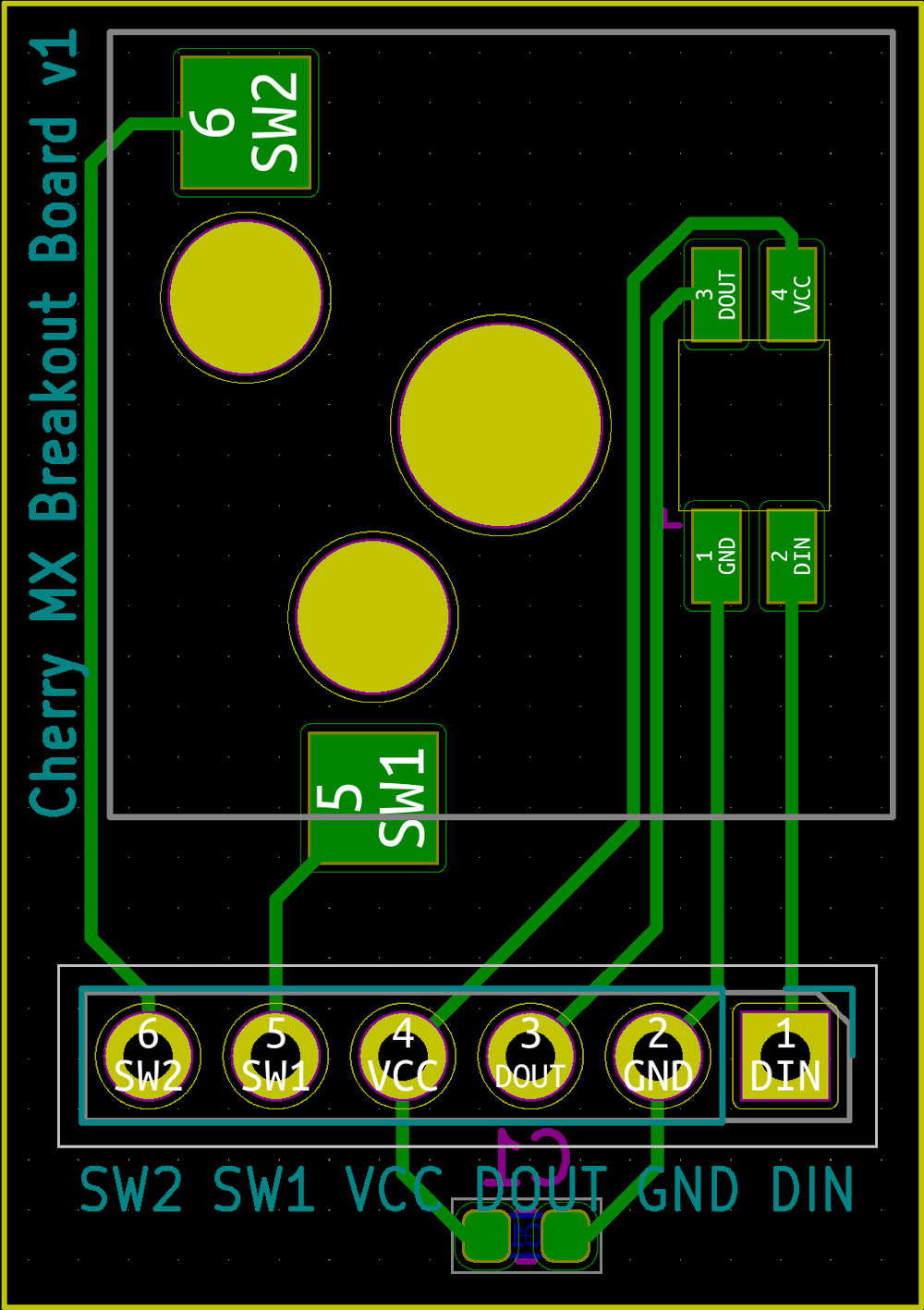 | 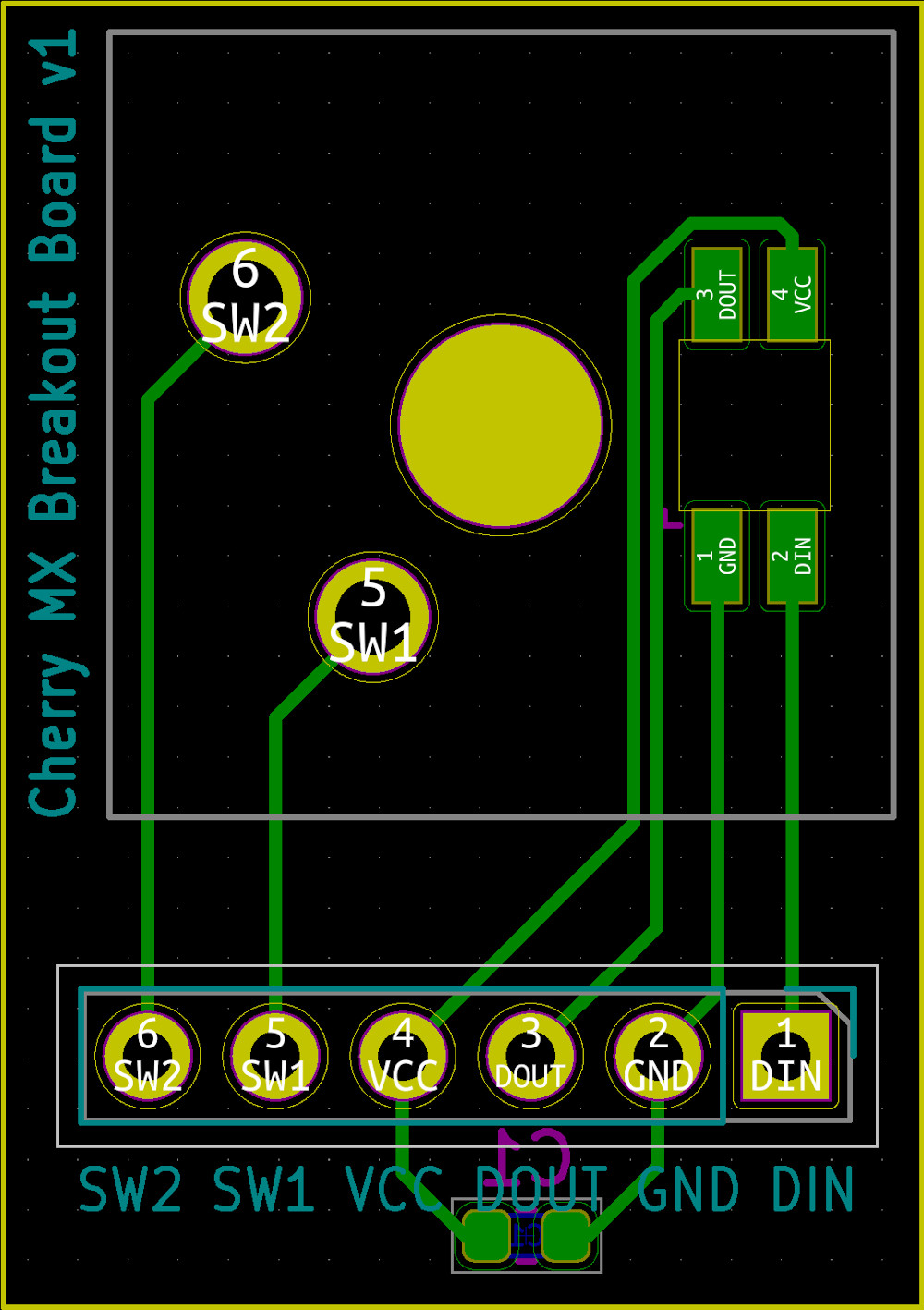 |
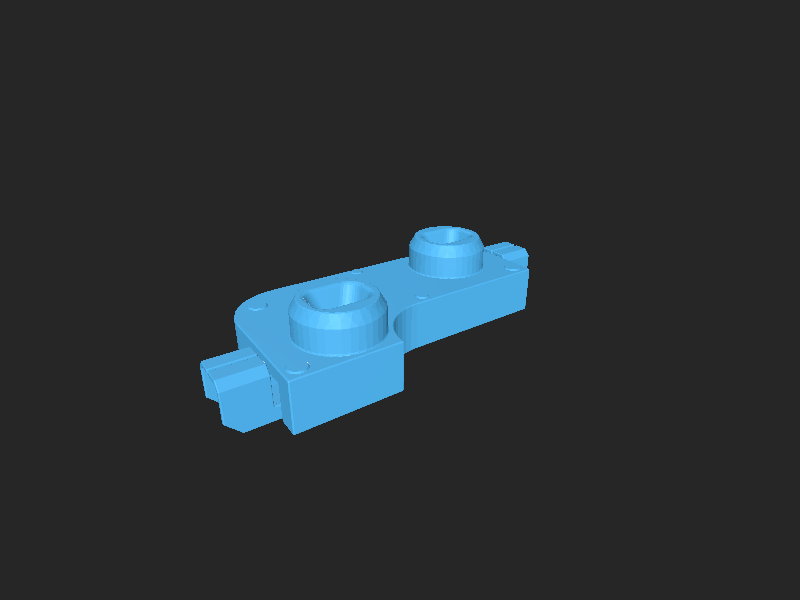
Kailh Socket Renders
| Top View | Bottom View |
|---|
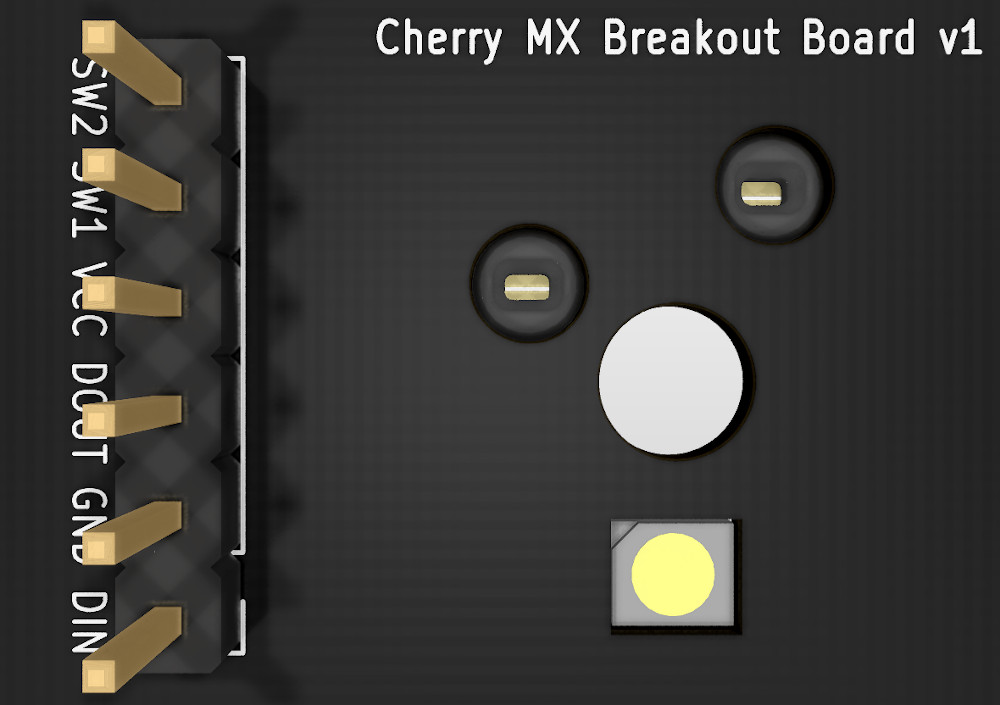 |  |
Kailh Socket 3D Model was obtained from QMK. All credits go to them. The exact file can be found here.
Mill-Max 7305 Renders
| Top View | Bottom View |
|---|
 |  |
Real Photos
<table>
<tbody>
<tr>
<td colspan="3"><img src="https://raw.githubusercontent.com/sszczep/Cherry-MX-Breakout-Board/media/Real3.jpg"></td>
</tr>
<tr>
<td><img src="https://raw.githubusercontent.com/sszczep/Cherry-MX-Breakout-Board/media/Real2.jpg"></td>
<td><img src="https://raw.githubusercontent.com/sszczep/Cherry-MX-Breakout-Board/media/Real1.jpg"></td>
<td><img src="https://raw.githubusercontent.com/sszczep/Cherry-MX-Breakout-Board/media/Real4.jpg"></td>
</tr>
<tr>
<td><img src="https://raw.githubusercontent.com/sszczep/Cherry-MX-Breakout-Board/media/Real5.jpg"></td>
<td><img src="https://raw.githubusercontent.com/sszczep/Cherry-MX-Breakout-Board/media/Real6.jpg"></td>
<td><img src="https://raw.githubusercontent.com/sszczep/Cherry-MX-Breakout-Board/media/Real7.jpg"></td>
</tr>
</tbody>
</table>
Hooking up with Arduino
<table>
<thead>
<tr>
<th>Code</th>
<th>Wiring diagram</th>
</tr>
</thead>
<tbody>
<tr>
<td><pre lang="cpp">
#include "FastLED.h"
const int ledPin = 6;
const int buttonPin = 7;

int ledHue = 0;
const int ledSaturation = 255;
const int ledBrightness = 255;

CRGB leds[1];

void setup() {
  pinMode(buttonPin, INPUT_PULLUP);
  FastLED.addLeds<WS2811, ledPin>(leds, 1);
}

void loop() {
  if(digitalRead(buttonPin) == LOW) ledHue++;

  leds[0].setHSV(ledHue, ledSaturation, ledBrightness);
  FastLED.show();
}
</pre></td>
<td><img src="https://raw.githubusercontent.com/sszczep/Cherry-MX-Breakout-Board/media/Wiring.jpg"></td>
</tr>
</tbody>
</table>
What socket is right for me?
<table>
<thead>
<tr>
<td></td>
<td>Kailh Socket</td>
<td>Mill-Max 7305 & 0305</td>
</tr>
</thead>
<tbody>
<tr>
<td>Cost per switch</td>
<td>$0.10 on <a href="https://kbdfans.com/products/mechanical-keyboard-switches-kailh-pcb-socket">kbdfans.com</a></td>
<td>about $0.88 on <a href="https://www.digikey.com/product-detail/en/mill-max-manufacturing-corp/7305-0-15-15-47-27-10-0/ED1039-ND/1765737">digikey.com</a></td>
</tr>
<tr>
<td>Requires compatible PCB?</td>
<td>Yes</td>
<td>No</td>
</tr>
<tr>
<td>Soldering difficulty</td>
<td colspan="2">Both socket types are easy to solder and there shouldn't be any problems</td>
</tr>
<tr>
<td>General Notes</td>
<td colspan="2">Kailh Sockets are much cheaper when it comes to custom builds but require custom PCB. Mill-Max connectors are not as stabilized as they make an extra gap between PCB and switch. Mill-Max 7305 is preferable over 0305, it's thinner so the gap is not that wide. Swapping switches seems easier using Kailh Sockets, Mill-Max connectors tend to bend sockets' pins. In my opinion, Mill-Max connectors should be taken into an account only when you modify pre-existing PCB as they have no advantage over Kailh Sockets and simply cost more
</tr>
</tbody>
</table>
Datasheets
Files in this package
- CAD source: Kailh_Socket.stp, LTST-A683CEGBW.step, Mill-Max-7305.step
- Documents: Cherry MX.pdf, Kailh Socket.pdf, LTST-A683CEGBW.pdf, Mill-Max.pdf
Source & license
Imported into the CommunityCAD Archive with attribution preserved. All rights remain with the original author under the stated license.